Camtasia Studio
About Course
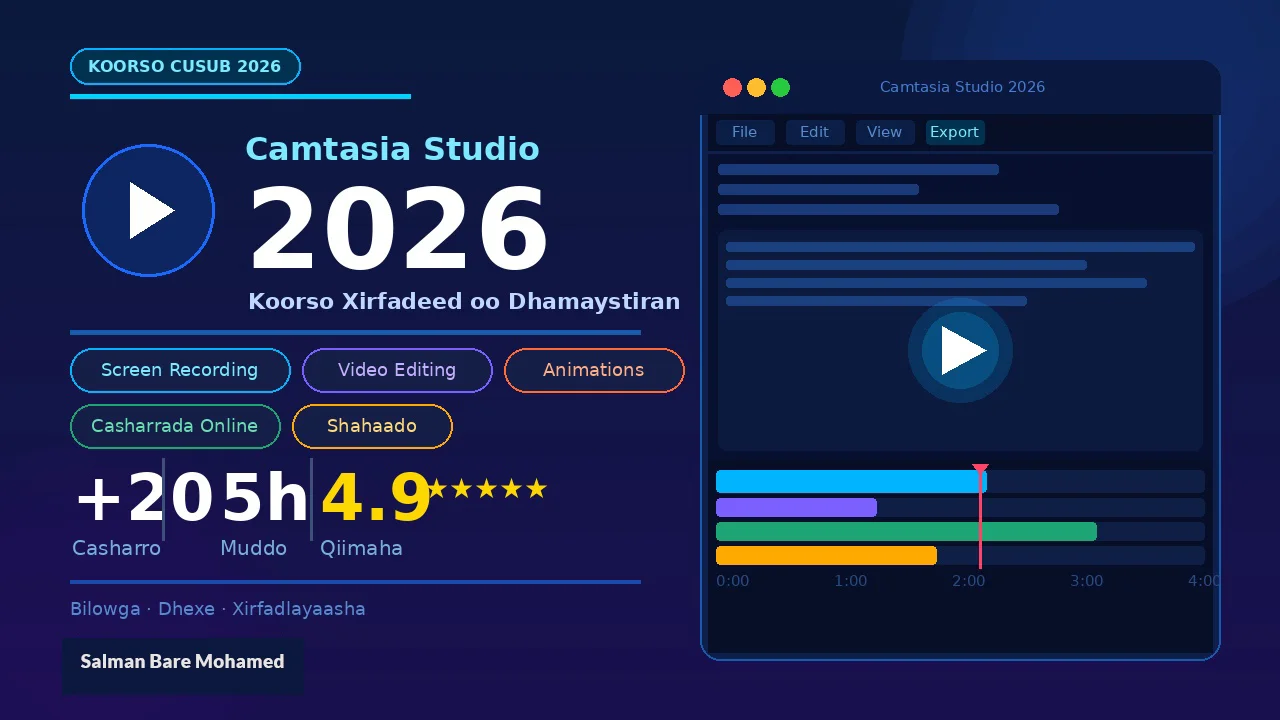
 Master the most powerful screen recording and video editing tool of 2026 — from your very first recording to publishing polished, professional-quality content online.
 Learn to edit videos with precision — trim, split, add captions, animations, transitions, callouts, and stunning visual effects that make your content stand out.
 Record your screen, webcam, and microphone simultaneously — perfect for creating tutorials, online courses, product demos, and explainer videos with ease.
 Upload and sell your courses directly on Tutor LMS — this course walks you through the full workflow from recording to publishing, so you can start earning today.
 Designed for complete beginners and intermediate creators alike — no prior experience needed. Join thousands of students already transforming their skills with Camtasia 2026.
Course Content
Getting Started With Camtasia 2026
-
Welcome & Course Overview
-
Installing Camtasia 2026 (Windows)
-
Understanding the Interface & Workspace
-
Configuring Your Preferences & Shortcuts
Earn a certificate
Add this certificate to your resume to demonstrate your skills & increase your chances of getting noticed.